Last Updated on December 29, 2021 at 4:59 pm
Here is how you can buy LIC’s Tech Term online step by step. Kindly note that at the time of writing (2nd Sep 2019), the purchase portal is still new. You may expect them to test it and make some changes in the next few days. Therefore, for now, use it to compute the premium and make a proposal. If you do not receive a reference number for your proposal then please contact LIC support.
Refer to this post for sample premium illustrations: LIC’s Tech Term Premium is still expensive compared to private insurer policies!
LIC’s Tech Term plan is a non-linked, without profit, pure protection ‘Online Term Insurance Policy. Min sum assured: 50 Lakh. Max: Unlimited. You can pay a premium each year, once or for a limited period. Always choose regular (each year). For other choices, see below.
- Go to LIC Direct
- Choose Lic’s Tech Term from the list
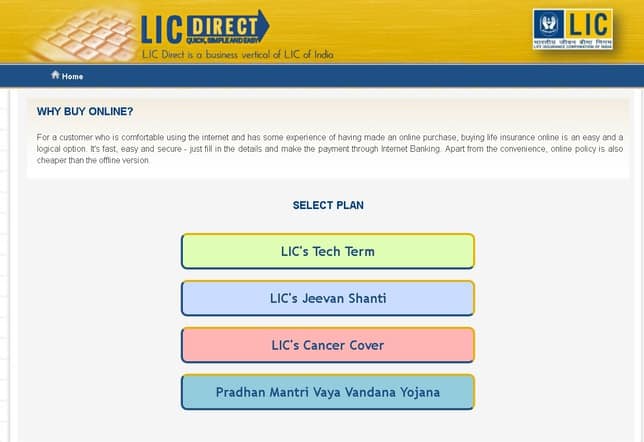
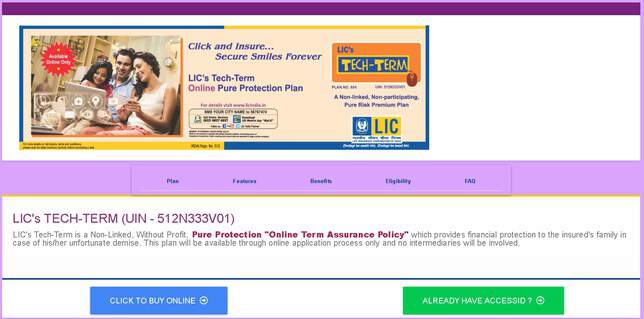
3. Choose “click to buy online
🔥Secure your future with our Robo-advisory tool trusted by over 3,500 investors and advisors. From effortless retirement planning to funding your children’s biggest dreams, turn your financial goals into reality. 🔥
Subscribe for money management solutions via email! (Link takes you to our email sign-up form) Join 32,000+ readers in our community.
👉 New Tool Alert! NaviPlan: A Privacy-Focused Multi-asset Tracker and Goal Planner 👈
4. Enter Details to get access token for premium calculation. Do not use real phone number if you are not serious about buying.
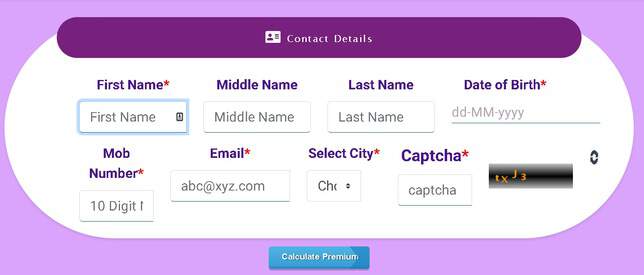
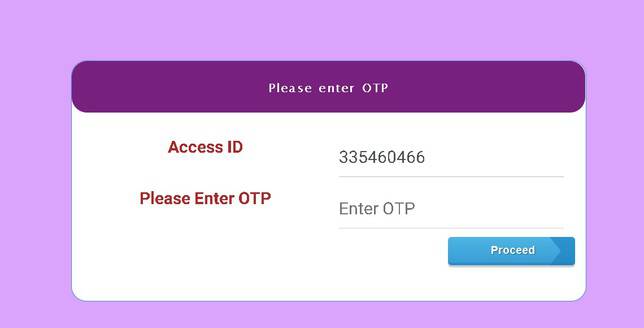
5 enter the access token to login
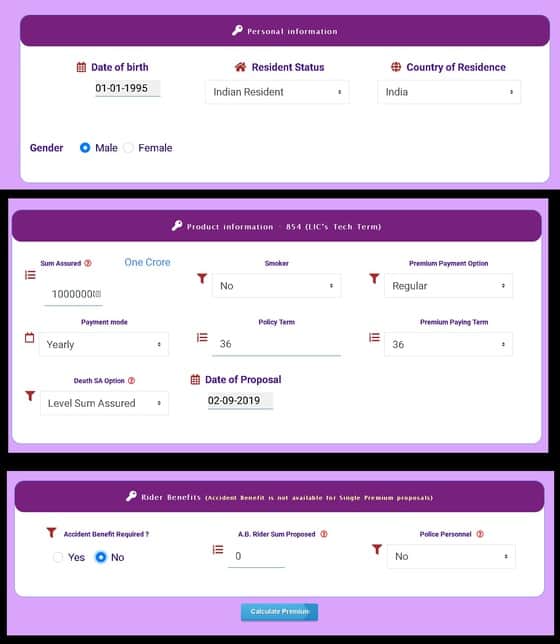
6 Enter personal details. Use regular premium payment option and level sum assured. Do not use increasing sum assured!!
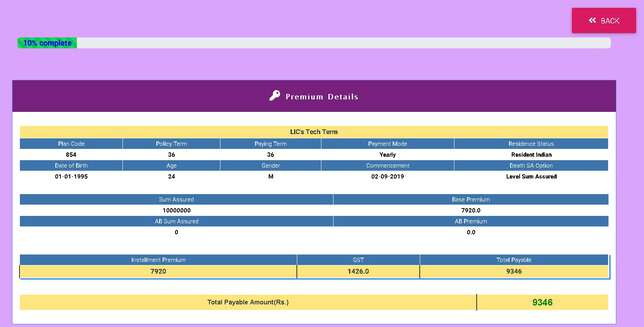
7 Click calculate the premium to get results
8 Confirm details and click on “generate lead”
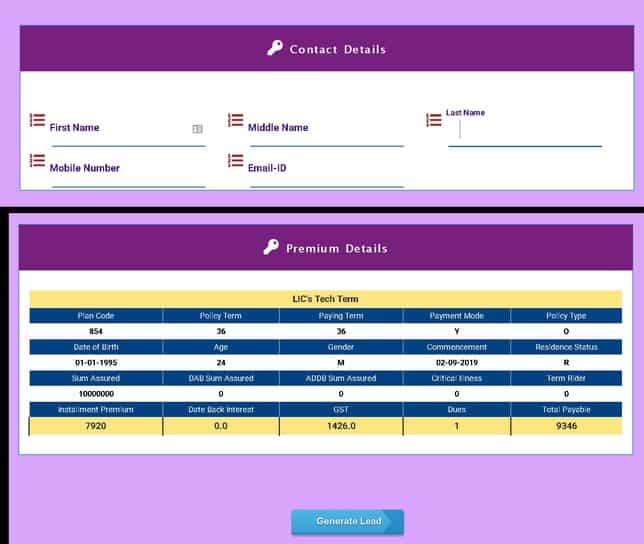
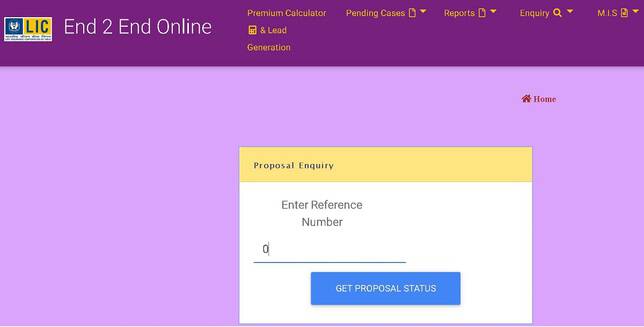
9 You will then be given a proposal reference number via email/mobile. You can use that to find the status of your proposal via this link