Last Updated on September 13, 2026 at 9:05 pm
In June, we launched NaviPlan: a privacy-focused multi-asset tracker and Goal Planner. Developed by Gokul of Naviran Technologies in association with freefincal, this tool lets users track mutual funds*, stocks*, FDs, global assets, NPS, pension funds, and insurance policies! The user can tag these to financial goals and track their progress. The tool also offers options to lower risk through various asset allocations and glide paths (for equity de-risking).
* Note:
- For stock transactions, you will have to upload all the transactions using our template Excel file for XIRR calculation. We are working on extracting holdings from NSDL and broker statements, but this may not include all transactions.
- MFs in Demat format: We can’t obtain these via CAS. So you will need to upload the transactions using our Excel template.
Thanks to the enthusiastic user response, we’ve made significant changes to the tool and are working on more. An update from Gokul.
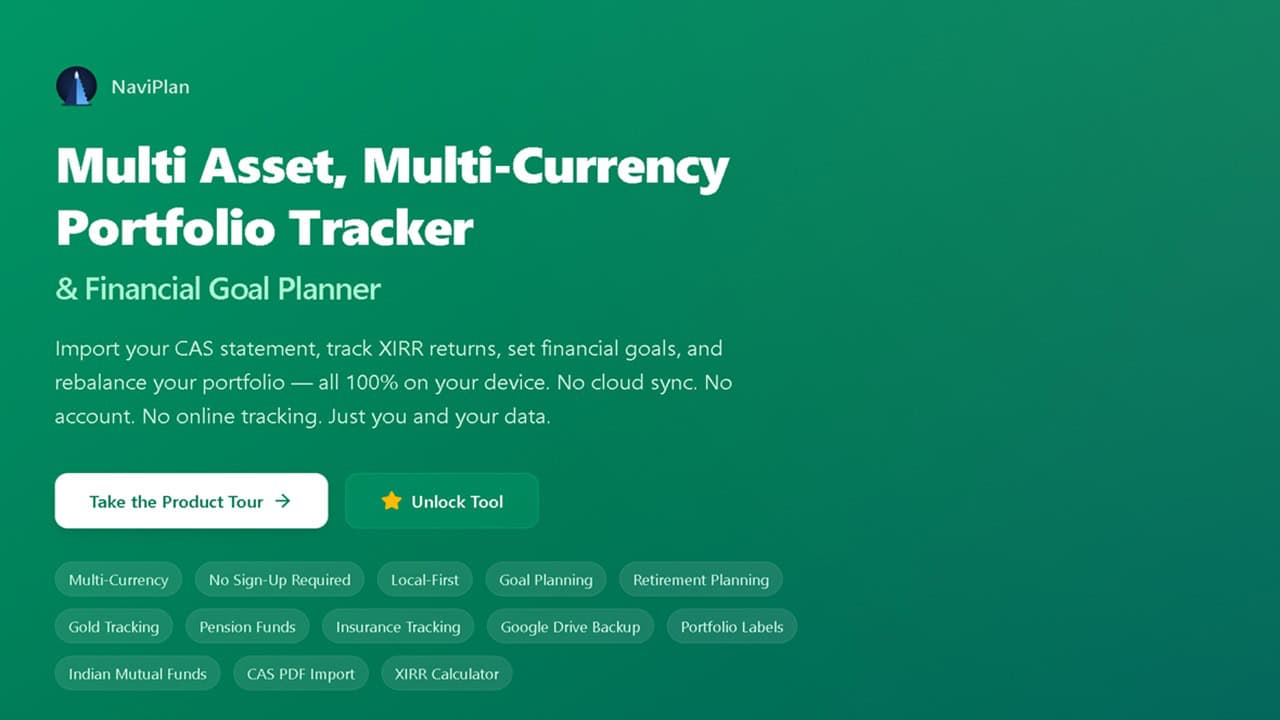
Hey there, NaviPlan community! We’ve been hard at work, and we’re excited to share v1.4.12 with you. This release brings two major additions: full Recurring Deposits (RD) tracking and KFintech NPS statement support — so you can track even more of your financial life, all 100% locally & privately.
🔥Secure your future with our Robo-advisory tool trusted by over 3,500 investors and advisors. From effortless retirement planning to funding your children’s biggest dreams, turn your financial goals into reality. 🔥
Subscribe for money management solutions via email! (Link takes you to our email sign-up form) Join 32,000+ readers in our community.
👉 New Tool Alert! NaviPlan: A Privacy-Focused Multi-asset Tracker and Goal Planner 👈
Recurring Deposits: Your RD Accounts, Automated
Say goodbye to spreadsheet tracking for your Recurring Deposits! NaviPlan now treats RDs as first-class assets — add them once, and we handle the monthly grind for you.
What’s in it for you?
- Add RDs in seconds — from the Transactions page, with all the details that matter:
- Bank name & RD name
- Maturity date & current balance
- Monthly contribution amount
- Last paid date & interest rate
- Accrual method (simple / compound) & payout method
- Currency (works with multi-currency support!)
- Automatic monthly contributions — like EPF, NaviPlan applies each month’s contribution automatically from your last paid date up to today, and stops exactly at maturity. No manual entries, ever.
- Realistic interest accrual — quarterly compounding for compound-interest RDs with at-maturity payout, linear accrual for simple interest, and principal-only handling for periodic payouts.
- Holdings everywhere you look — RDs appear on the Dashboard and Manage Holdings with a
bank • rate%subtitle, maturity date, monthly contribution, and a detail popup with the full picture. - XIRR automatically — returns computed from the real cash-flow ledger, just like your other assets.
- Labels & goals — tag your RDs with portfolio labels and include them in goal planning.
KFintech NPS Statement Support: One More Way to Import Your NPS
NPS tracking already lets you import CSV statements from the CRA portal. Now, with KFintech (one of the largest NPS record-keeping agencies), we’ve added PDF statement import — so no matter where your NPS statement comes from, NaviPlan has you covered.
What’s in it for you?
- Upload your KFintech NPS statement (PDF) — from the NPS tab, just like the CSV flow. The app parses the detailed transaction table — every contribution, charge, and scheme preference change (switch in/out).
- Password-protected PDFs supported — enter the password once and we handle the rest.
- Smart PRAN detection — your PRAN is read automatically from the statement; if it’s redacted, you can type your 12-digit PRAN and continue.
- Self-verification against your statement — after parsing, NaviPlan compares the transactions against the statement’s own “Investment Details” table and scheme-wise holdings, showing a green “Verified — matches the statement summary” badge (or a clear list of discrepancies) before you import.
- Switch in/out handled correctly — scheme preference changes are rebalancing, not money in or charges, so only real contributions & charges are counted (matching the statement’s own totals).
- Accurate scheme resolution — smarter matching picks the correct fund (e.g. Tier I vs Tier II), so NAV, current value & XIRR line up with your statement.
- No. of Contributions on screen — the contribution count is now shown right on the NPS screen, so you can verify at a glance that every transaction made it in.
- Merge or Replace — re-import with Merge to keep everything (duplicates auto-skipped, NAVs refreshed), or Replace to start clean.
NPS support itself (multiple PRANs, CSV import, per-scheme XIRR, NAV auto-fetch, goal integration) is unchanged — this release adds KFintech PDF import on top of it.
Also in This Release
- Fixed NPS scheme name resolution — NAV/current value lookups now reliably pick the correct fund variant (Tier I vs Tier II), fixing a mismatch between the app and freshly downloaded statements.
Why This Release Matters
August 2026 has been about completeness. Recurring Deposits close the gap on the fixed-deposit side of your portfolio, and KFintech NPS support means your pension tracking works no matter which agency issues your statement. Every feature runs entirely in your browser — no data leaves your device, no cloud sync unless you choose Google Drive Backup. Your privacy isn’t for sale; it’s the foundation of everything we build.
How to Get Started
- Refresh the page — you’re already on v1.4.12 “Guyot”!
- Add your first RD — Transactions → Add Transaction → Asset Type “RD” → fill in bank, rate, maturity & monthly contribution. Watch the monthly contributions apply automatically.
- Import your KFintech NPS statement — NPS tab → “Upload PDF (KFintech)” → drop your PDF → review the verified preview → Merge or Replace.
- Check the contribution count — the NPS screen now shows it under Total Invested, so you can match it against your statement in seconds.
Thank You!
This release reflects your feedback and feature requests. We built every addition here because you asked for it — keep the ideas coming!
Love NaviPlan? Tell a friend! Word of mouth is how we grow.
Happy investing!