Last Updated on September 22, 2026 at 9:11 pm
In June, we launched NaviPlan: a privacy-focused multi-asset tracker and Goal Planner. Developed by Gokul of Naviran Technologies in association with freefincal, this tool lets users track mutual funds, stocks, FDs, global assets, NPS, pension funds, and insurance policies! The user can tag these to financial goals and track their progress. The tool also offers options to lower risk through various asset allocations and glide paths (for equity de-risking).
Presentation: You can use the tool on your PC, tablet, or mobile browser. If the tool is updated with new features, a simple browser refresh will load the changes without affecting your data. You can close and re-open the browser window at will, and the data (stored in the browser’s database) will still be intact.
You can export all transactions and settings as a JSON file and upload it to cloud storage for safekeeping.
If you delete the browser cache or want to move to another device, you can upload the JSON file to get back on track.
🔥Secure your future with our Robo-advisory tool trusted by over 3,500 investors and advisors. From effortless retirement planning to funding your children’s biggest dreams, turn your financial goals into reality. 🔥
Subscribe for money management solutions via email! (Link takes you to our email sign-up form) Join 32,000+ readers in our community.
👉 New Tool Alert! NaviPlan: A Privacy-Focused Multi-asset Tracker and Goal Planner 👈
Thanks to the enthusiastic user response, we’ve made significant changes to the tool and are working on more. An update from Gokul.
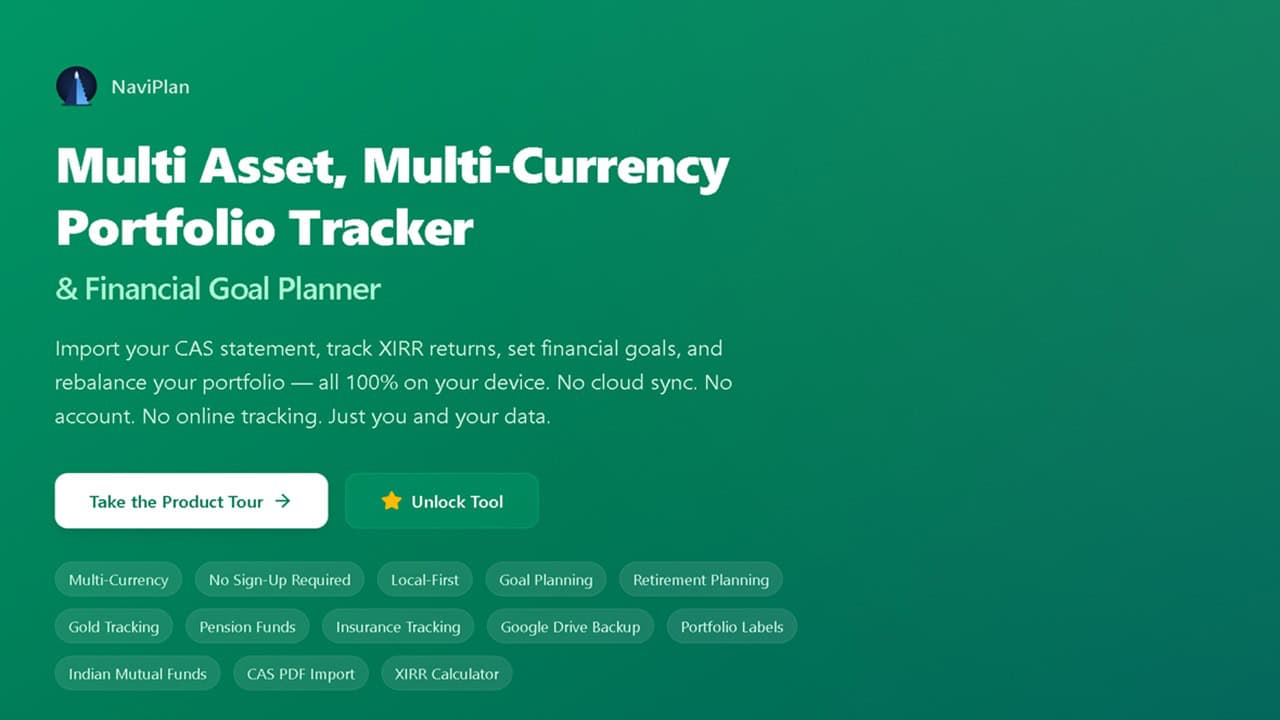
Hey there, NaviPlan community! We’ve been heads-down building, and v1.5.8 “Aragonite” is here with two headline upgrades: full Special Investment Fund (SIF) tracking and — the one you’ve been asking for — broker tradebook import for 8 brokers, so you can bring your stock transactions in straight from your broker’s export. As always, everything runs 100% locally in your browser. Your data never leaves your device.
Video walkthrough of updates
Stock Tradebook Import: Now 8 Brokers Strong
This is the big one. Importing your stock buy/sell transactions used to mean typing them in by hand — one trade at a time. Not anymore.
NaviPlan now reads your broker’s tradebook export directly and turns it into clean, deduplicated transactions in seconds. We started with Zerodha, and with Aragonite we’ve grown that to 8 supported brokers:
| Broker | Format |
|---|---|
| Zerodha | Excel (.xlsx) |
| HDFC Securities | Excel (.xlsx) |
| Kotak Securities | Excel (.xlsx) |
| Angel One | Excel (.xlsx) |
| ICICI Direct | CSV |
| Aionion | Excel (.xlsx) |
| FYERS | CSV |
| Religare | Excel (.xls) |
What’s in it for you?
- Upload once, done. Go to Import → Import Broker Tradebook, drop in your broker’s file, and NaviPlan does the rest — no manual entry, no spreadsheets.
- Your broker is auto-detected. No need to hunt for the right option — NaviPlan recognises the file format and picks the broker for you.
- Smart symbol resolution. Many brokers export only a company name (no ticker). NaviPlan matches it to the right stock using a scored name resolver (with an exchange bonus), so “TEXMACO RAIL & ENG. LTD.” finds its way home. You’ll see a High / Medium / Low match badge and can review or fix any match before importing.
- Holdings-level review. The preview is grouped by stock, not by row — so you resolve a symbol once, and it applies to every trade of that holding. Expand any holding to inspect its individual buys and sells.
- Duplicates handled automatically. NaviPlan spots trades you’ve already imported (by Trade ID, Order Ref., or transaction fingerprint) and defaults them to Skip — with a one-click Keep if you want them.
- Large files, fast. Symbol lookups are cached per unique security, so a tradebook with hundreds of rows resolves in a fraction of the calls it used to.
- Sample templates for every broker — download a ready-made template from the import page to see exactly what NaviPlan expects.
Why this matters: your stock portfolio is only as good as the transactions behind it. Tradebook import turns a tedious hour of data entry into a 30-second upload — and makes it painless to keep your holdings accurate every time you trade.
Special Investment Funds (SIF): A New Asset Class in NaviPlan
NaviPlan now tracks Special Investment Funds (SIFs) right alongside your mutual funds — the newest category of pooled investment products, and now a first-class citizen in your portfolio.
What’s in it for you?
- SIFs live with your mutual funds — same familiar tables, same XIRR, same everything. They’re identified by their scheme code (SIF codes start with
SIF; classic MF codes are numeric). - CAS import just works — statements containing SIFs are auto-mapped to SIF funds on import. No extra steps.
- New “Fund Type” filter on the Dashboard — toggle between All Funds, Mutual Funds, and SIF to slice both your holdings and your transactions.
- Discover page filter too — the Discover Mutual Funds tab gets a Fund Type dropdown, so you can browse the SIF catalogue on its own.
- A friendly welcome — a dashboard announcement banner introduces SIF tracking with a “View my SIFs” shortcut that applies the filter for you.
Also in This Release
- Stock NAV refresh for older prices — stock prices that are more than 5 days old are now refreshed automatically, so your holdings and XIRR stay current without you having to think about it.
Why This Release Matters
September 2026 is about breadth and ease. SIF support means NaviPlan speaks the language of the newest investment products on the market, and 8-broker tradebook import means the most tedious part of portfolio tracking—entering stock trades—is now drag, drop, and done. Whether your trades live at Zerodha, HDFC, Kotak, Angel One, ICICI Direct, Aionion, FYERS, or Religare, NaviPlan meets you where you are.
And it all still runs entirely in your browser. No accounts, no servers, no cloud sync unless you choose Google Drive Backup. Your privacy isn’t a feature — it’s the foundation.
How to Get Started
- Refresh the page — you’re already on v1.5.8 “Aragonite”!
- Import your stock trades — Import → Import Broker Tradebook → pick your broker (or just drop the file and let NaviPlan detect it) → review the matched holdings → Import. Download a sample template first if you want to see the expected format.
- Find your SIFs — on the Dashboard, use the new Fund Type filter and choose SIF. If you have SIF holdings, import a CAS statement containing them, and they’ll map automatically.
- Browse the SIF catalogue — head to Discover Mutual Funds and filter by Fund Type → SIF.
Thank You!
Every feature here started as a request from you. The tradebook import grew from one broker to eight because you kept telling us where you trade — so keep the ideas coming, and tell us which broker you’d like to see next!
Love NaviPlan? Tell a friend! Word of mouth is how we grow.
Happy investing!
— The NaviPlan Team
Get NaviPlan!
Pricing: Rs. 2500 per year.
The tool is available at fin.naviran.in. (Enter your mobile number, then choose Pay to purchase). For support, suggestions, or other inquiries, please contact info@naviran.in. For more questions and guidance, check out the FAQ page.
After successful payment, choose “already paid” on the NaviPlan main page, and enter your mobile number to access the tool. At the end of the subscription period, you must repeat this payment process. Your data and settings will remain unchanged. We also prioritise privacy during purchase.
Note 1: The subscription is non-refundable
Note 2: Please use only regular Indian bank accounts (savings / current) for payment. Do not use International accounts or NRE / NRO accounts — payments from such accounts may go through but will not be received by us, and no subscription will be activated. If you are an NRI, please use this PAYPAL Link